How I Created a Realistic AI Video Using Free Tools (Step-by-Step Workflow)
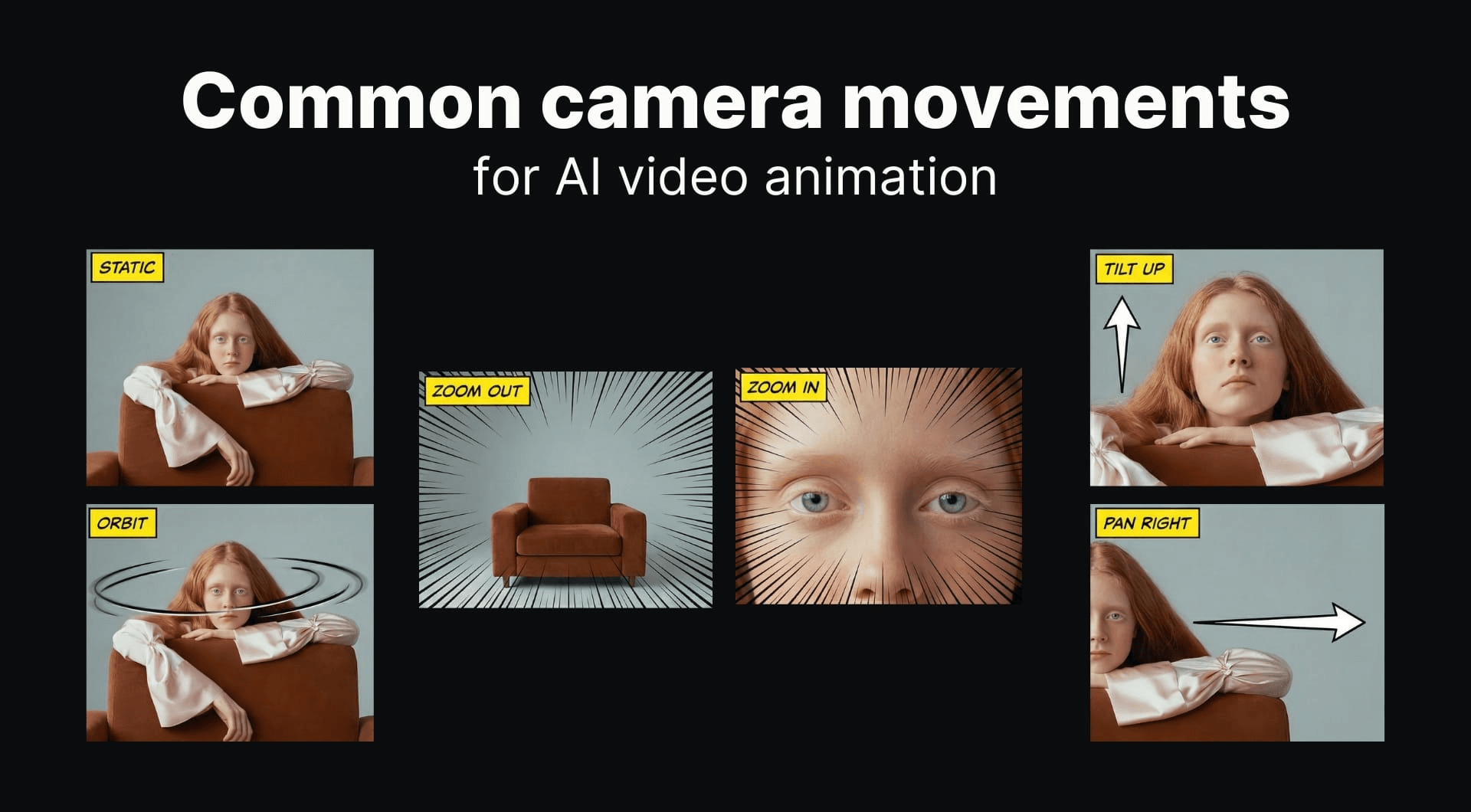
Most AI video tools claim to generate cinematic content. In practice, single-tool outputs lack realism, consistency, and control.
This article documents the exact process used to generate a short cinematic video using only free tools, including what worked, what failed, and how the final output was achieved.
Objective
Create a 5–8 second cinematic video:
- Scene: modern luxury house
- Lighting: sunset
- Motion: slow camera movement
- Style: realistic
Step 1: Prompt and Scene Definition
Initial prompt used:
“A modern luxury house exterior at sunset with cinematic lighting, ultra-realistic textures, and slow camera movement”
Observation:
- Broad prompts reduce output quality
- Specific visual constraints improve consistency
Refined prompt:
“Ultra-realistic modern villa, warm sunset lighting, glass reflections, soft shadows, slow cinematic dolly movement, 4K detail”
Step 2: Generating Base Visual (Image First Approach)
Instead of generating video directly, a high-quality image was created first.
Reason:
- Video tools struggle with texture consistency
- Image-first approach improves realism
Output characteristics:
- Controlled lighting
- Sharper details
- Better composition
Step 3: Converting Image to Video
The generated image was then used as input for video generation.
Key observations:
- Image-to-video produces better results than text-to-video
- Motion remains stable when source image is high quality
Issues encountered:
- Minor flickering in reflections
- Slight distortion in edges during movement
Step 4: Refinement Using Multiple Tools
No single tool produced usable output alone.
Adjustments:
- Generated multiple variations
- Selected best frames
- Combined clips
Result:
- Improved motion continuity
- Reduced visual artifacts
Step 5: Final Editing
Video was processed using a video editor.
Adjustments applied:
- Speed correction
- Subtle zoom for depth
- Color balancing
Without editing:
- Output looks artificial
- Motion feels static
Final Output Analysis
Strengths:
- Realistic lighting
- Stable camera movement
- Clean composition
Limitations:
- Minor texture inconsistencies
- Not fully indistinguishable from real footage
Key Observations
- Text-to-video alone is insufficient for quality output
- Image-first workflow significantly improves realism
- Combining tools produces better results than relying on one
- Editing is required for usable output
Conclusion
AI video generation currently requires a structured workflow rather than a single tool. Quality depends on input control, intermediate steps, and post-processing.
The result is usable for short-form content, but not yet a full replacement for traditional video production.